
Is money being deducted every month? Here's an easy way to turn off UPI AutoPay
The UPI AutoPay feature automatically deducts bills, but sometimes subscriptions are inadvertently left on. In such cases, it can be easily turned off by going to the AutoPay settings in PhonePe, Paytm, and Google Pay.
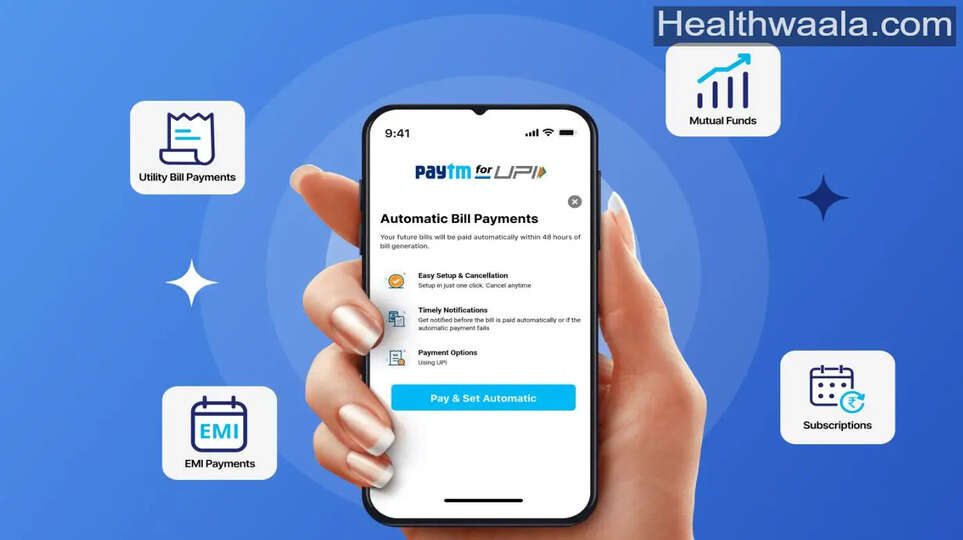
In today's digital age, almost everyone uses UPI apps for their daily expenses. Payment for everything, be it electricity, water, gas, mobile recharge, internet, or OTT platforms, is now online.
To avoid the hassle of paying bills repeatedly, a feature like UPI AutoPay was introduced, which automatically deducts money on the scheduled date. This feature sounds easy and convenient, but sometimes this very feature becomes a problem.
Often, people turn on AutoPay while taking a free trial of an app. Later, they stop using that service, but forget to turn it off. As a result, money keeps getting deducted every month without their knowledge.
In fact, simply deleting the app doesn't stop auto-pay. Unless you manually cancel the auto-pay mandate for that service, the money will continue to be deducted.
Therefore, it's important to periodically check if any unwanted subscriptions are active. Now, the question is, how do I turn off AutoPay? Fortunately, all major UPI apps have a very easy way to disable it.
How to turn off PhonePe
If you use PhonePe, open the app and go to your profile. There, you'll find the option for Payment Management or AutoPay. This section will display all active AutoPay services. Click on the service you want to disable. Here, you can either pause it temporarily or delete it completely.
Tips for Paytm users
Similarly, Paytm users can easily turn off AutoPay. To do this, go to the app's profile section and open UPI Settings.
Then, go to the Automatic Payments or Payment Management option. From here, select the payment you want to stop and cancel it.
Those with Google Pay should do this work
If you use Google Pay, go to the You tab in the app. Then, open the AutoPay section and go to Live to view active services.
Select the service from which the money is being deducted, click Cancel AutoPay, and confirm by entering your UPI PIN.
It's important to note that the AutoPay feature is for your convenience, but without monitoring, it can increase your spending.
Therefore, be sure to check your AutoPay settings periodically. This can help you avoid unwanted expenses and maintain better control over your finances.